Photo: Dog at Desert Sunset
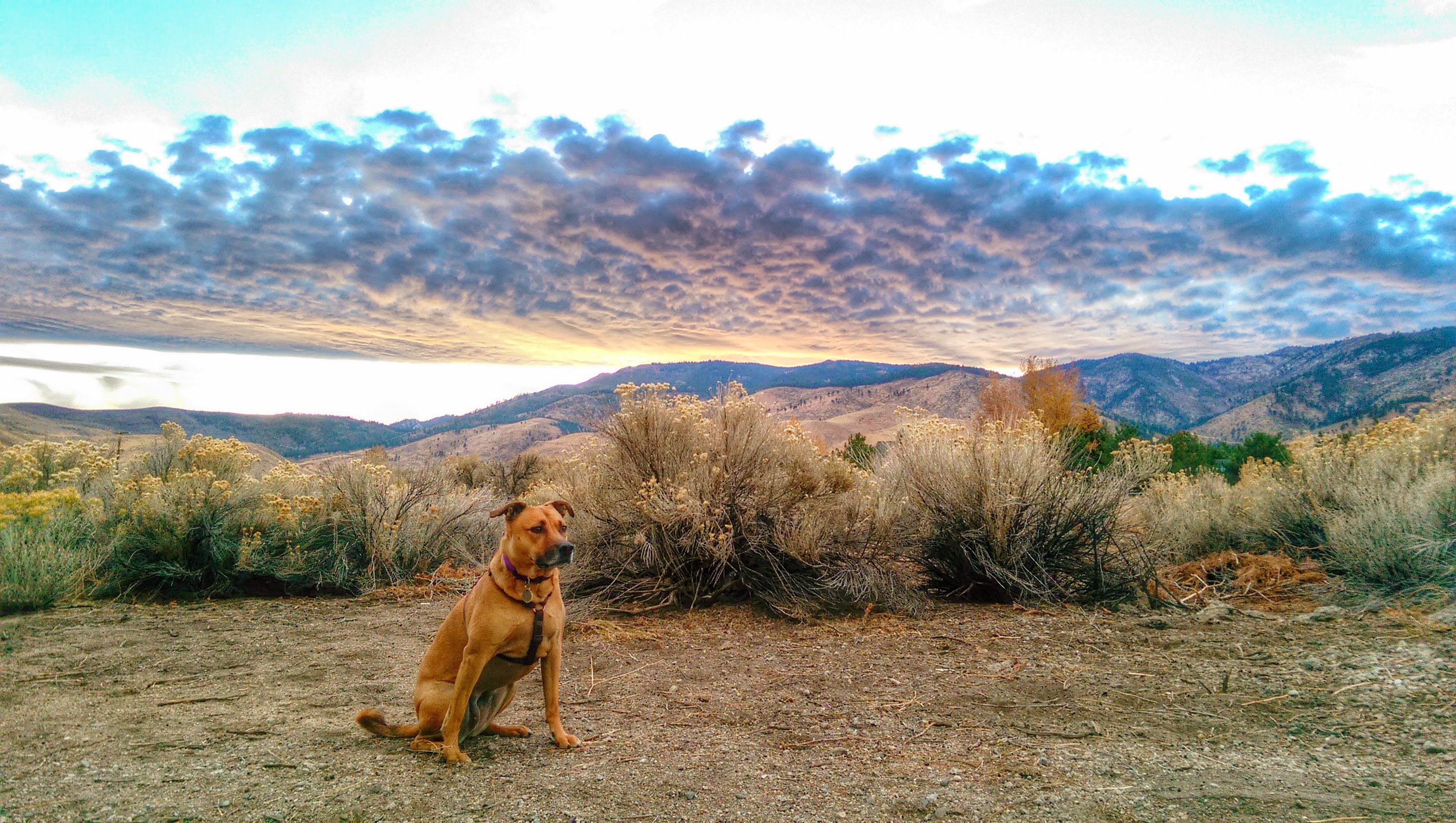
There's this small field at the end of a street in my neighborhood where I sometimes walk my dog. A couple weeks ago we were out there at dusk and the scene was fairly dramatic. I wound up with a decent shot of my dog sitting among the sagebrush in front of a scenic view of sunset-lit clouds moving over the mountain range to the west. The photo was taken with my phone, so it was waiting for me in my G+ account when I got home. It looked good with the default "enhanced" effect that I have allowed Google to apply to all my Instant Upload (now called Auto Backup) photos, but after playing around with some of the other effects Google+ has to offer, this is what I settled on.
[caption id="attachment_145" align="aligncenter" width="940"]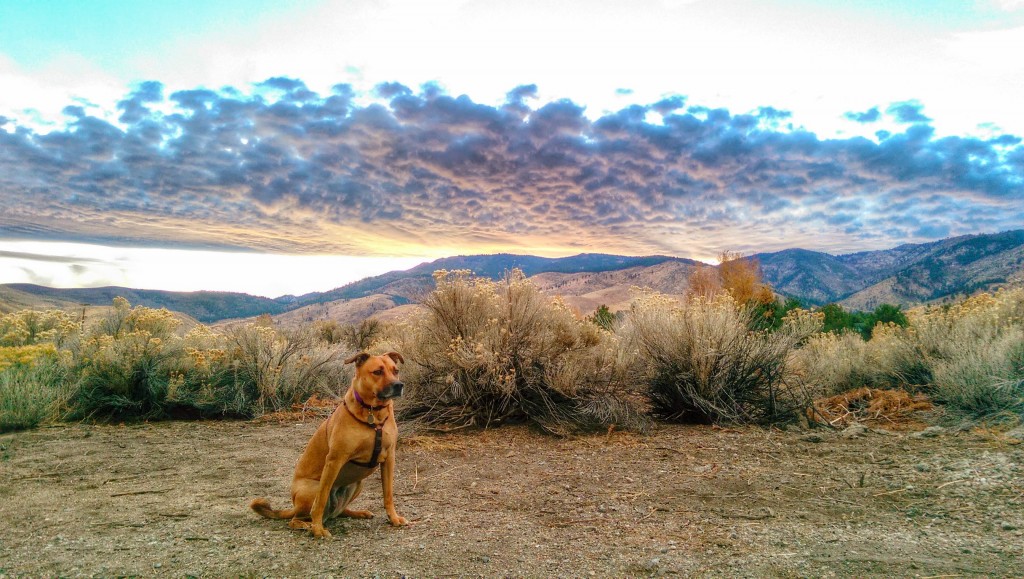 "Dog at Desert Sunset" - Copyright 2014 Marshall Stokes[/caption]
I don't usually mess with photo effects, except when I post images to Twitter, where I almost always make use of their basic vignette effect. And in general I'm not a fan of any effects that add noise to my pictures. In this case, however, I really like what Google+'s "HDR Scape" effect did with this image, despite the over-saturation in the upper left of the image. The effect added a lot of light to the foreground, where it was quite dark in the original photo, and the details of everything in the foreground have substantially more "pop". At the same time, the sunset has been brightened and deepened. Overall, this is probably one of the best photos I have ever taken with a phone, and one of the few times I feel that packaged digital effects truly turned one of my photos into more of a work of art that it was originally:
[caption id="attachment_146" align="aligncenter" width="940"]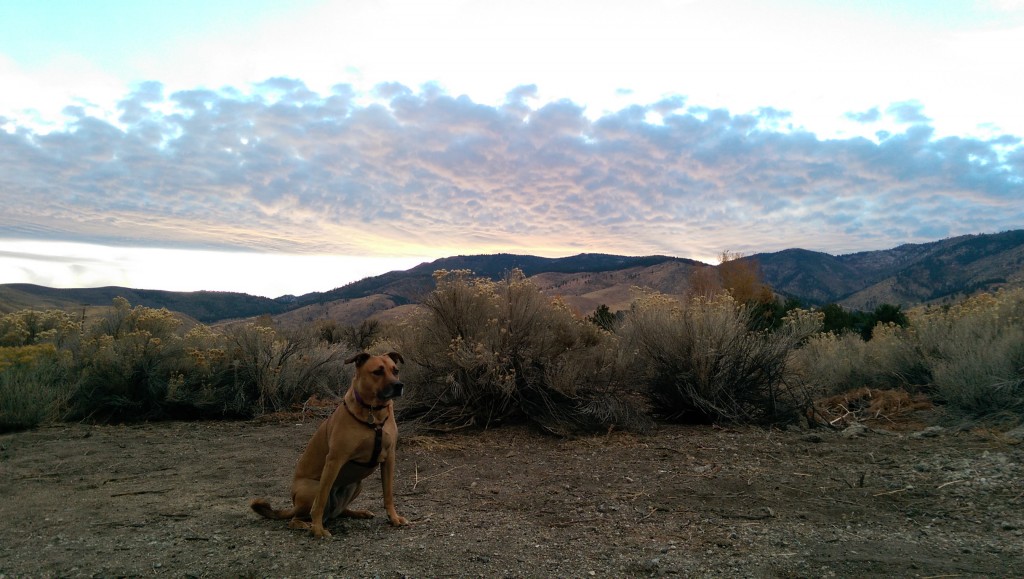 Original photo from my phone[/caption]
Next, just for fun, I brought the original image into Lightroom and ran it through a speedier version of my typical digital development routine. As you can see below, the result is not quite as dramatic as what Google's "HDR" effect provided, but it does look substantially more natural. There's still a good amount of noise in the sky, but it isn't as pronounced as the Google version, and the lighting looks far more natural; less forced, in my opinion. As a side note, this is the first time I've ever used Lightroom to polish a photo taken with my phone. I typically only work with raw images from my Nikon DSLRs, and the difference is rather obvious - far more noise in the phone photo in general, whereas it's possible to really minimize that sort of thing when working with raw media. Here's what I ended up with:
[caption id="attachment_147" align="aligncenter" width="940"]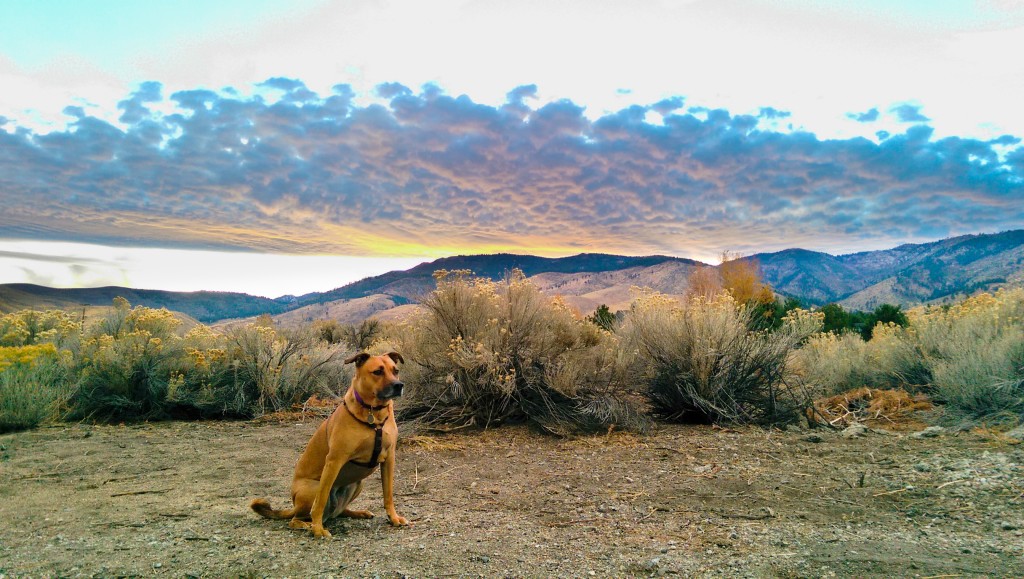 Developed in Adobe Lightroom. Copyright 2014 Marshall Stokes[/caption]
Equipment & Settings
- HTC One M8
- ISO 125
- Exposure Time 1/215s
- f-number 2.0
The last one for sure is the most natural. I can't even believe the middle one is what you started with! How did you do that? I love using photo effects in Instagram and pretty much any time I text a friend with a pic it makes it more fun and makes my crappy phone pictures look better lol!
Oops, unsure how I missed your comment nearly a year ago...
To answer your question, I've been fiddling with Adobe Lightroom for many years. It is quite powerful once you learn some basic tricks and procedures. That said, I have found Google's photo editing tools to be very useful and quite powerful considering their simplicity.